Touch typing & layouts
A virtual keyboard marks the next key and the finger to use, with 104, 98, 87 and 68-key layouts.
Practice touch typing, English and Chinese pinyin on macOS and Windows. Your progress stays on your device — no account required.
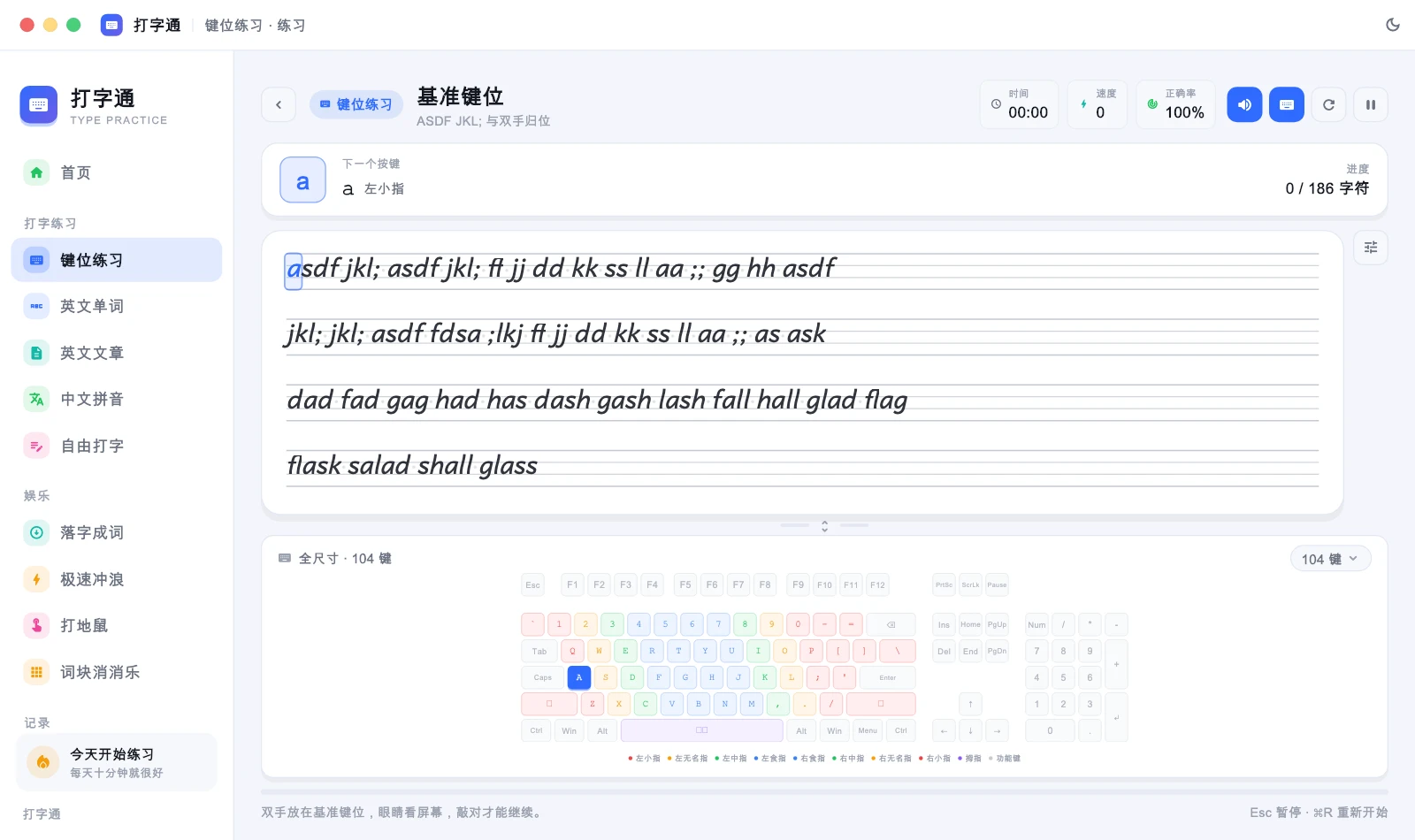
From key layouts to full passages, from drills to games — all in one place.
A virtual keyboard marks the next key and the finger to use, with 104, 98, 87 and 68-key layouts.
Practice English words and passages, or type Chinese texts, poems and your own passages using pinyin.
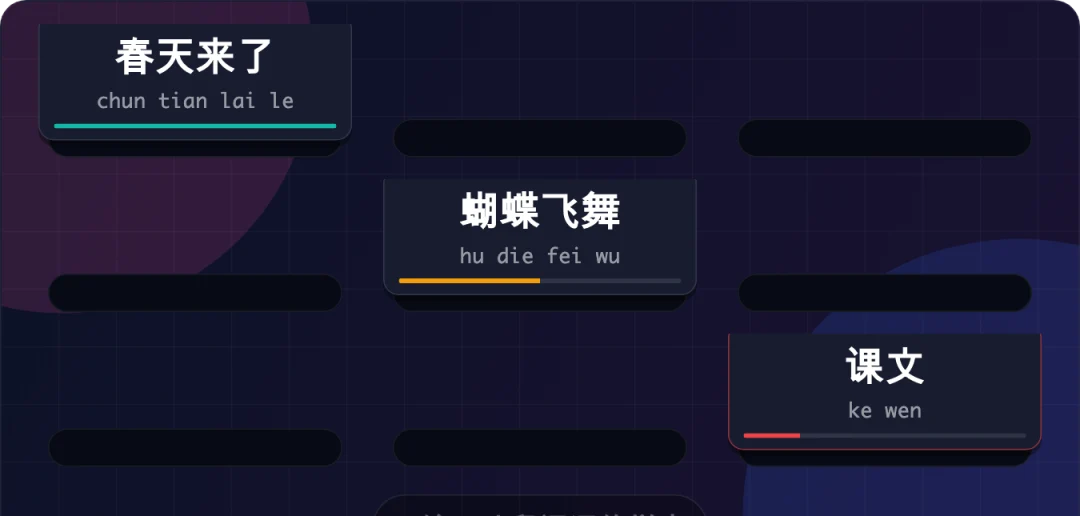
Type words or pinyin in Falling Words, Speed Surf, Whack-a-Mole and Word Blocks.
Every session's speed and accuracy is recorded so you can track your progress. Records stay on your device.
macOS uses a DMG and Windows an EXE installer. The macOS build is not yet notarized by Apple, so your system may block it on first launch. After installing, get new versions via Settings → Check for Updates.